How to Store Long-Term Backup Files Securely and Prevent Data Loss
Keeping backup files safe is just as important as creating them. Services like Keep2Share make file storage convenient, but long-term protection requires a smart strategy. A single hardware failure, accidental deletion, or ransomware attack can wipe out years of important data.
-> Go to k2s.cc and create Premium AccountWhy Long-Term Backups Matter
Files that are not properly protected may become corrupted, lost, or inaccessible over time. Personal photos, business documents, videos, and project archives all deserve reliable storage.
Common risks include:
- Hard drive failure
- Accidental deletion
- Malware and ransomware
- File corruption
- Physical damage or theft
Best Ways to Store Backup Files Securely
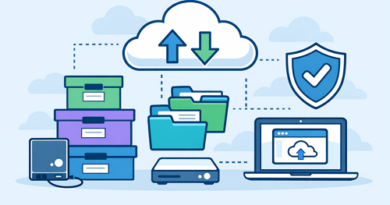
Follow the 3-2-1 Backup Rule
Many IT professionals recommend:
- 3 copies of your data
- 2 different storage devices
- 1 off-site or cloud backup
This approach greatly reduces the risk of permanent data loss.
Encrypt Sensitive Files
Password-protected archives and encrypted folders add another layer of protection against unauthorized access.
Verify Backups Regularly
A backup is only useful if it works. Test important files periodically to confirm they can still be opened and restored.
Comparing Backup Storage Options
| Storage Method | Security | Best For |
|---|---|---|
| External Hard Drive | High | Personal archives |
| SSD Storage | Very High | Frequent access |
| Cloud Storage | High | Remote backups |
| File Hosting Services | High | Large file collections |
Additional Tips for Better Protection
- Organize files into folders.
- Remove duplicate copies regularly.
- Update backup versions periodically.
- Store critical files in multiple locations.
Final Thoughts
Long-term backups are an investment in peace of mind. Combining local storage with cloud-based solutions creates a strong defense against unexpected data loss and hardware failures.
Efficient backup management also goes hand in hand with understanding download queue behavior, which can help you manage file access and transfers more effectively on Keep2Share.
-> Go to k2s.cc and create Premium Account