
Keep2Share (K2S) 2026: Plans, Prices, Login & Safety Guide
Keep2Share (K2S): Plans, Prices, Login and Safety Explained
Updated September 15, 2026. keep2share.info is an independent review and help site. It is not operated by Keep2Share; the service itself runs at k2s.cc. The buttons on this page are affiliate links, so this site may earn a commission if you buy Premium through them, at no extra cost to you. Plan details and prices were checked on k2s.cc/premium on September 14, 2026.
Keep2Share (short: K2S) is a file hosting service that has been online since 2012 and runs at k2s.cc and keep2share.cc. Anyone can download shared files for free at reduced speed. A Premium account, priced from $0.67 per day, adds fast downloads, no ads and resumable transfers, while the Pro and Max plans raise the daily allowance to 50 GB and 100 GB.
Quick answers
| You want to… | Short answer |
|---|---|
| Log in | Use the login form on k2s.cc (same account works on keep2share.cc) |
| Pay as little as possible | Premium from $0.67/day (new users only); otherwise Pro from $0.80/day |
| Stream videos in the browser | Premium Pro or Premium Max |
| Download 50 GB+ per day | Premium Max (100 GB/day, priority support) |
| Know if it is legit | Yes, operating since 2012; log in only on k2s.cc and treat downloaded files like email attachments |
| Cancel | Account settings on k2s.cc, before the next billing date |
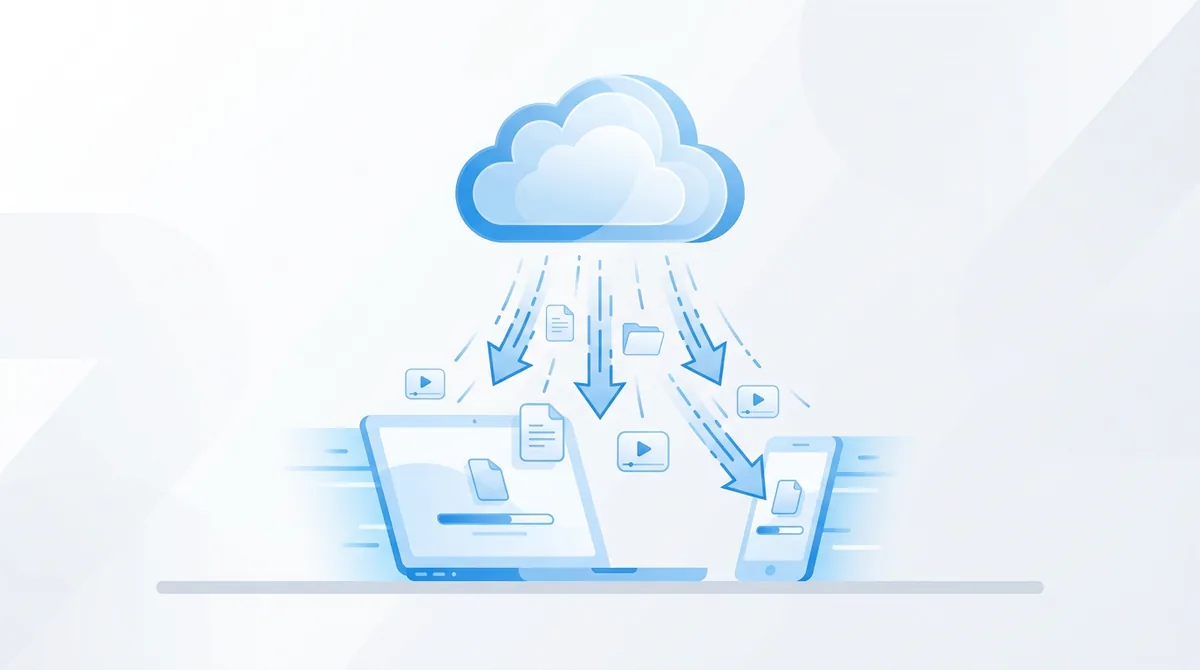
Keep2Share is a one-click file host: uploaders store files on the service and share a download link, and anyone with the link can download the file. Free visitors get reduced speed; paying members get fast, resumable, ad-free downloads. The same Premium account gives you fast downloads on files hosted across a partner network of more than 200 sites.
That partner network is why K2S links show up on so many forums, blogs and link collections.
Besides plain downloads, the two upper plans (Premium Pro and Premium Max) let you watch uploaded videos directly in the browser without downloading them first, and Premium Max adds video collections, a way to save and group videos you want to return to. A short-video feature called Shorts sits alongside the online player.
K2S is simply the abbreviation of Keep2Share. The domains k2s.cc and keep2share.cc lead to the same service, the same login and the same file library; a link that starts with either domain points at the same file. Any other domain that uses the Keep2Share name, including keep2share.info, is a third-party site and not the place to log in.
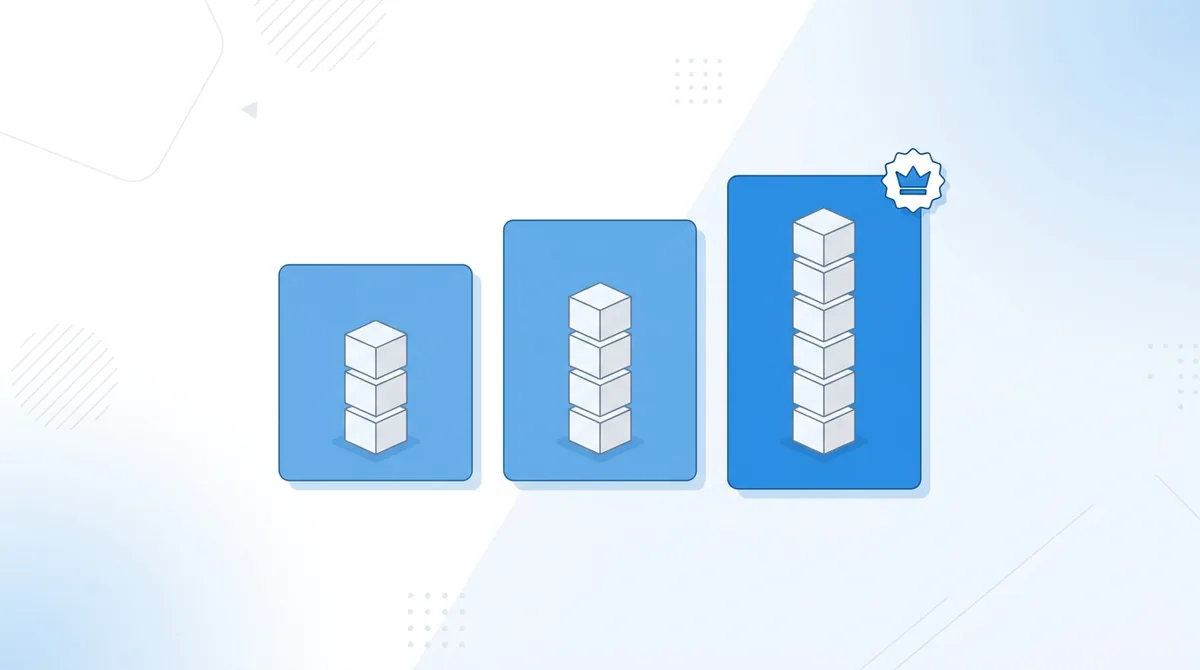
Keep2Share sells three Premium tiers next to the free account. The entry plan, Premium, is currently offered to new users only. Premium Max is labeled “Most Popular” on k2s.cc. All prices are quoted per day and represent the cheapest available rate, which you get on the longest billing period.
| Free | Premium | Premium Pro | Premium Max | |
|---|---|---|---|---|
| Daily traffic | 10 GB/day | 10 GB/day | 50 GB/day | 100 GB/day |
| Download speed (200+ partner sites) | Slow | Fast | Maximum | Maximum |
| Watch videos online | – | – | Yes | Yes, plus collections |
| Ad-free | – | Yes | Yes | Yes |
| Resumable and secure downloads | Virus-checked only | Yes | Yes | Yes |
| Simultaneous downloads | – | – | Yes | Yes |
| Priority support | – | – | – | Yes |
| Price | $0 | from $0.67/day | from $0.80/day | from $1.07/day |
Source: k2s.cc/premium, September 14, 2026. Availability of the Premium entry plan and promotional prices change; the checkout always shows the current figures. A feature-by-feature comparison of the three paid tiers is on the Premium account page.
What “from $0.67 per day” actually means
Keep2Share bills Premium in periods of 30, 90 or 365 days, and the longer the period, the lower the price per day. The “from” figure is the lowest per-day rate, which k2s.cc applies to the longest billing period; a 30-day subscription costs more per day. The exact totals in US dollars are only shown at checkout, so they are not repeated here.
Cost per gigabyte: the number the price page leaves out
The per-day price hides how differently the three plans are priced per gigabyte.
| Plan | Price per day | Daily allowance | Cost per GB at full use | Cost per GB at 5 GB/day |
|---|---|---|---|---|
| Premium | $0.67 | 10 GB | 6.7 cents | 13.4 cents |
| Premium Pro | $0.80 | 50 GB | 1.6 cents | 16.0 cents |
| Premium Max | $1.07 | 100 GB | 1.1 cents | 21.4 cents |
Calculated from the per-day rates above; “full use” means downloading the whole allowance every day. Read it both ways: if you rarely pass 10 GB a day, the cheapest plan wins on absolute cost, and Pro’s extra allowance is money you never use. If you regularly download 20 GB or more, Pro is far cheaper per gigabyte, and Max only pays off once you need more than 50 GB on most days.
Coupons, extra days and promotions
Keep2Share promotions usually add extra days to a purchase rather than lower the price, and are applied with a code at checkout. Whether one is running right now, and how to apply it, is kept current in Keep2Share Coupon Code: Get 10% Extra Premium Days.
If a third-party site promises a large percentage off, compare it with the checkout price on k2s.cc before paying anywhere else. A discount you cannot see on the official checkout deserves suspicion, not trust.
For most people the answer is Premium Pro: it is the lowest tier with maximum speed, browser video playback and parallel downloads, and its 50 GB allowance covers everything short of bulk archiving. Premium makes sense for occasional downloaders who qualify as new users; Premium Max is for heavy daily use or anyone who wants priority support.
| Your situation | Recommended plan | Why |
|---|---|---|
| A few files per week, no streaming | Premium if you are a new user, otherwise Pro | Cheapest way to get fast, ad-free, resumable downloads |
| Several gigabytes most days | Premium Pro | Maximum speed, 50 GB/day, parallel downloads |
| You mostly watch videos in the browser | Premium Pro, or Max if you want collections | Online playback starts at Pro |
| Bulk downloads, 50 GB+ per day | Premium Max | 100 GB/day and priority support |
| You upload and want to earn | Free account plus the affiliate program | Earnings do not require a paid plan |
Honest downsides before you pay
- Free downloads are slow enough that a multi-gigabyte file is a multi-hour job. The free tier is for testing a link, not for regular use.
- No browser video playback and no parallel downloads on Premium. Both start at Premium Pro.
- Priority support is Max-only. On Premium and Pro you use the standard support queue.
- The entry plan is restricted to new users, so returning customers effectively start at $0.80 per day.
- Exact period prices are only visible at checkout, and the best per-day price ties you in for a full year.
A free Keep2Share account and a Premium account share the same 10 GB daily traffic allowance. The differences are speed, ads and resumability: free downloads run slowly, show ads and cannot be resumed, so an interrupted 4 GB download starts over from zero. Premium downloads run fast, ad-free and pick up where they stopped.
That resume point matters more than the speed figure for anyone on a flaky connection or a laptop that sleeps. On free, every drop costs you the full file again; on Premium, it costs you a few seconds. One thing free accounts keep: files are virus-checked before download on every tier, so the security scan is not a Premium-only feature.
A free account is enough to upload: sign in at k2s.cc, drop the files into the upload area and copy the share link from the file manager. Each file has its own link, so you can hand out one file without exposing the rest, and folders let you share a whole set at once. Uploading is also the entry point to the affiliate program described further down.
Two limits matter before you rely on Keep2Share as storage: unused files are not kept forever, and the maximum upload size depends on your plan. Neither figure is fixed, so check the current rules rather than assuming; the retention rules are explained in Keep2Share File Expiration Rules, and the click-by-click upload walkthrough is in How to Upload Files to Keep2Share.
Buying Premium takes about five minutes: register a free account at k2s.cc, open the Premium page, pick a plan and billing period, choose a payment method and complete checkout. Premium is credited to the account once the payment is confirmed, and the plan name and expiry date then appear on your account page.
- Create a free account. Go to k2s.cc through the button below, register with an email address and password, and confirm the email.
- Open the Premium page. Compare Premium, Premium Pro and Premium Max against the table above.
- Choose the billing period. 30 days is the flexible option; 90 and 365 days lower the price per day. Note whether the plan renews automatically before you continue, and enter a promotion code if one is running.
- Pick a payment method. Card, cryptocurrency or a regional option shown for your country. Card payments are usually credited at once; crypto is credited once the network has confirmed the transaction, which can take longer.
- Check your account status. After checkout, your account page should show the plan name and expiry date. Save the receipt in case you need support later.
The full walkthrough with screenshots is in How to Buy Keep2Share Premium: A Complete Step-by-Step Guide.
-> Go to k2s.cc and create Premium AccountKeep2Share accepts credit and debit cards, cryptocurrency and a set of regional payment methods that appear at checkout depending on your country. Card is the fastest route; crypto is the most private but has no chargeback if something goes wrong; regional wallets and vouchers vary by location.
| Method | Activation | Privacy | Reversible |
|---|---|---|---|
| Credit or debit card | Usually immediate | Name and card data go to the payment processor | Chargeback possible |
| Cryptocurrency | After network confirmation (minutes to hours) | High; no name required | No |
| Regional methods (shown at checkout) | Varies | Varies | Varies |
Which option makes sense for you, including fees, bank-statement descriptors and how a crypto purchase works in practice, is covered in Keep2Share Payment Methods Explained.
A word on “Premium keys” and resellers. Third-party shops sell Keep2Share voucher codes, sometimes below the list price. Some are legitimate, some are not, and a code bought with a stolen card can be revoked after activation. The checkout on k2s.cc is the only route where the account is unambiguously yours.
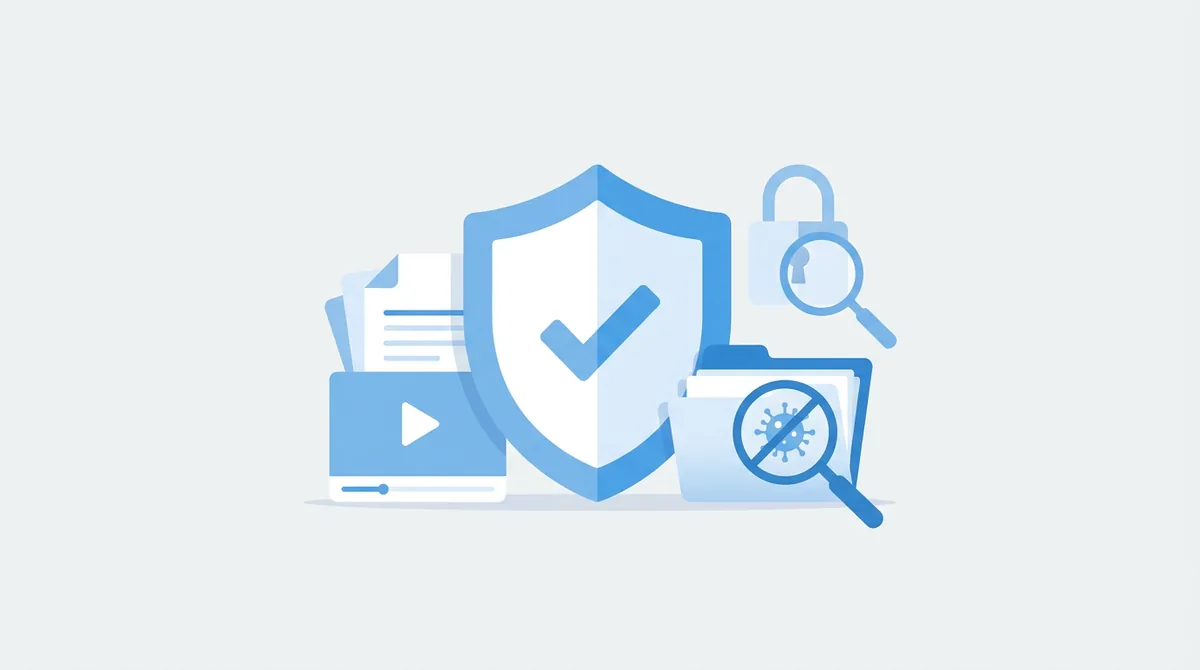
Keep2Share is an established service: it has been operating since 2012, k2s.cc displays a Trustpilot rating of 4.6, checkout runs over HTTPS with third-party payment processors, and every file is virus-checked before download. The real risks lie elsewhere: files uploaded by strangers, lookalike domains that copy the Keep2Share name, and voucher codes from unknown sellers.
Four rules cover almost every problem:
- Log in only on k2s.cc or keep2share.cc. Type the address yourself rather than following a “login” link on a third-party site.
- Treat downloaded files like email attachments. The virus check catches known malware, not every threat; keep your own scanner active and be careful with executables.
- Pay at the official checkout, not through a middleman. A cheaper key is worth nothing if the account is revoked.
- Use a unique password. Premium accounts are a target for credential theft because a working login has resale value.
A longer assessment with the trade-offs spelled out: Is Keep2Share Safe and Legit to Use?
Using Keep2Share is legal in the same way that using any cloud storage service is legal; what matters is what you download or share. Storing and sharing your own files, public-domain material or content you have permission to distribute is fine. Downloading or sharing copyrighted material without permission is illegal in most countries, no matter which host the file sits on.
Keep2Share itself is a hosting company with published terms, not a content library. That does not change your own responsibility for what you choose to download. None of this is legal advice; if your situation is unclear, ask a lawyer in your country.
Sign in through the login form on k2s.cc. Bookmark the login page once and use the bookmark: the most common way people lose a Keep2Share account is entering their password on a lookalike domain that only mimics the login screen. If the page you are on is not k2s.cc or keep2share.cc, close it.
When the login fails, work through the causes in this order:
- Wrong email or password. Use the password reset on k2s.cc; the reset email arrives at the address you registered with, so check the spam folder.
- VPN or shared IP address. Some connections are refused; disconnect the VPN or switch to a different server and try again.
- Browser state. Clear cookies for k2s.cc, or try a private window or a different browser.
Every case, with the exact error messages, is in Keep2Share Login Problems: Common Causes and Easy Solutions.
Keep2Share is built around direct links rather than browsing: there is no public catalog on k2s.cc where you type a keyword and see every file. Files are found on the forums, blogs and link collections where uploaders post them, and third-party “K2S search engines” index those public links so you can search across sites.
Two things to know before you use such a search site: it only shows links that were published somewhere, so private uploads never appear; and these sites are unrelated to Keep2Share, so treat their ads, pop-ups and “download” buttons with the same caution as any unknown website. Never enter your K2S password on one of them.
How the search sites work, which are worth trying and how to check a result before downloading: Keep2Share Search Engine: How to Find Files Quickly on K2S.
“Keep2Share downloader” usually refers to premium link generators: websites that promise full-speed downloads without a subscription by routing your link through a Premium account they control. They break often, usually against Keep2Share’s terms, and the file passes through a server you know nothing about. A download manager with your own Premium account is the reliable version of the same idea.
- Premium link generators share one paid account among many strangers. When that account hits its allowance or gets closed, everyone using the generator loses access at the same time, often mid-download.
- Download managers (desktop programs that handle queues, retries and parallel connections) run on your own machine with your own account. They rely on two Premium features: resumable downloads (all paid plans) and simultaneous downloads (Pro and Max).
The practical rule: if a “downloader” wants your Keep2Share login, it has no business with it; if it wants you to paste a link and wait, expect it to fail at the worst moment. The alternatives are compared in Keep2Share Downloader: Faster and Safer Ways to Get Your Files.
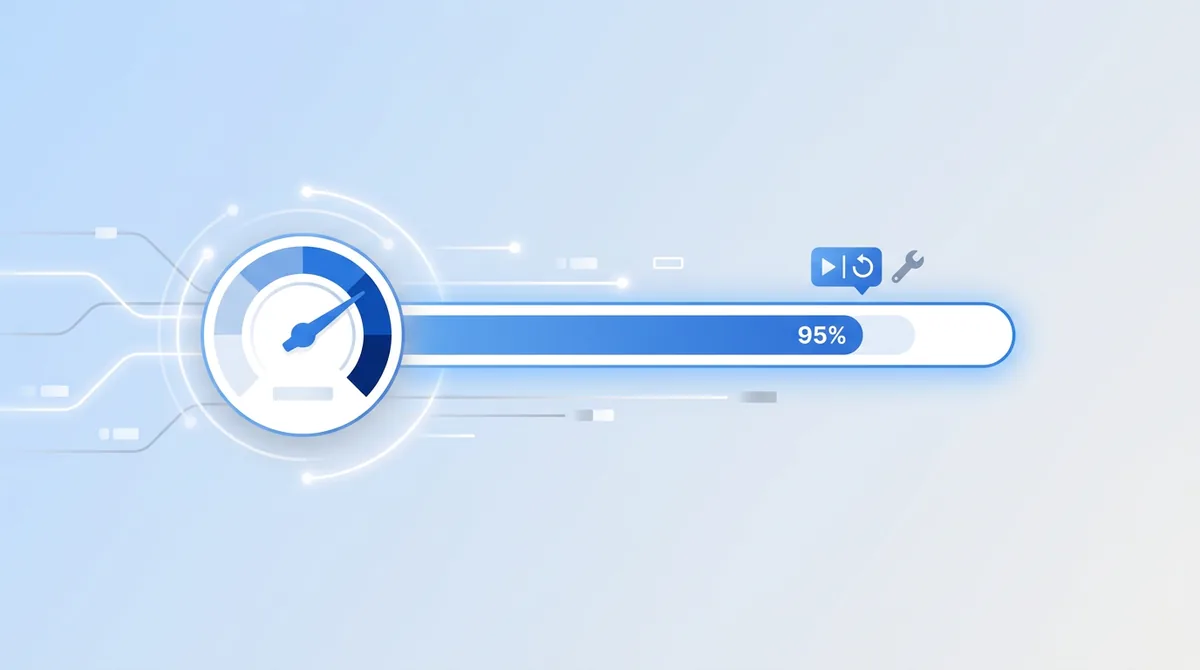
Download speed on Keep2Share depends on three things you control: your plan (Premium is “fast”, Pro and Max are “maximum”), your own connection, and whether you run one download at a time or several. Everything else, such as browser choice, produces smaller gains.
- Match the plan to the job. If you regularly wait on large files, Pro’s maximum speed and parallel downloads make a bigger difference than any tweak below.
- Use a wired connection for large files. Wi-Fi drops are the main cause of interrupted transfers, and only Premium can resume them.
- Run parallel downloads on Pro or Max. Several medium-sized files at once use your bandwidth better than one file after another.
- Turn the VPN off unless your provider throttles file hosts. A VPN adds a hop and can lower speed; it helps only when your ISP is the bottleneck.
- Keep the machine awake. Sleep mode kills connections; on free accounts that means starting over.
Troubleshooting: the errors people search for most
Most Keep2Share errors fall into a handful of patterns, and each has a routine fix that does not require support. The table below covers the frequent ones; the linked guide handles the rest.
| Symptom | Likely cause | What to do |
|---|---|---|
| Download refused after heavy use | Daily allowance used up (10, 50 or 100 GB depending on plan) | Wait for the daily reset or move up a plan |
| “Connection refused” | Network, VPN or a temporary server issue | Retry without VPN, clear the browser cache, wait and retry |
| Download stops midway | Connection dropped; free accounts cannot resume | Restart the download; on Premium it resumes from where it stopped |
| Payment declined | Card blocked for foreign transactions, or wrong billing details | Try another card, use crypto, or contact your bank |
The complete list with error messages and screenshots: Common Keep2Share Errors and How to Fix Them Quickly.
To stop a Keep2Share subscription, sign in at k2s.cc, open your account settings and turn off automatic renewal for the active plan. Your Premium stays usable until the end of the period you already paid for; only the next charge is prevented. Do this before the renewal date, and keep the confirmation.
Two things trip people up. If you paid with crypto or a one-time regional method, there may be nothing to cancel because the purchase was a single payment; check whether the account page shows a renewal at all. If a card charge still appears afterwards, contact support with the transaction reference from your receipt.
Screenshots of the exact menu and what to do if the button is missing: How to Cancel Your Keep2Share Premium Subscription.
Keep2Share runs an affiliate program for people who upload files and for people who refer new Premium customers. You do not need a paid plan to take part; a free account is enough to start. Rates, payout thresholds and rules are set on the official site and change over time, so check the current terms there before planning around them.
The program suits uploaders who already distribute large files to an audience and site owners who link to Keep2Share Premium; for anyone else it is not a reason to sign up. An overview of how earnings are calculated and paid out is on the affiliate page.
No. keep2share.info is an independent review and help site with affiliate links. The service itself is at k2s.cc. Every button on this page leads to the official site.
None. K2S is the abbreviation of Keep2Share, and k2s.cc and keep2share.cc are two domains for the same service. Your account, files and Premium status are identical on both.
As of September 2026, Premium starts at $0.67 per day, Premium Pro at $0.80 per day and Premium Max at $1.07 per day. Those are the lowest rates, available on the longest billing period; 30 and 90-day periods cost more per day.
Promotions come and go, and they usually add extra days to a purchase rather than cutting the price. Whether one is active right now, and the exact steps to apply it at checkout, are kept up to date in Keep2Share Coupon Code: Get 10% Extra Premium Days.
Yes. A free account allows up to 10 GB per day at reduced speed, with ads and without the ability to resume an interrupted download. Files are virus-checked on the free tier as well.
Premium Pro, unless you download less than 10 GB a day and qualify as a new user (then Premium) or need more than 50 GB a day (then Max).
Pro offers 50 GB per day; Max offers 100 GB per day plus video collections and priority support. Speed, online video and parallel downloads are the same on both.
Yes. One Premium account covers fast downloads on files hosted by Keep2Share and its partner network of more than 200 sites.
Turn off automatic renewal in your account settings on k2s.cc before the renewal date. Nothing is refunded and nothing is lost: the days you paid for stay active. If you paid with crypto there is usually no renewal to cancel.
The service is legal to use; what matters is what you download. Sharing your own files or licensed content is fine, while downloading copyrighted material without permission is illegal in most countries. This is general information, not legal advice.
Only on Premium Pro and Premium Max. Free and Premium accounts have to download the file first; Max additionally lets you save videos into collections. — keep2share.info is an independent site with affiliate links; prices checked on k2s.cc/premium, September 14, 2026.


