How to Send Large ZIP Files Without Email Restrictions
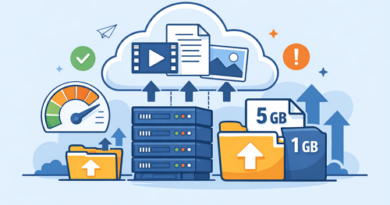
Sharing large ZIP files through email often leads to frustration because most email providers limit attachment sizes to around 20–25 MB. Instead of splitting archives into multiple emails, many users rely on file hosting platforms like Keep2Share to transfer compressed files quickly and securely while avoiding attachment limits.
-> Go to k2s.cc and create Premium Account
Why Email Isn’t Ideal for Large ZIP Files
ZIP files help reduce file sizes, but project folders, software packages, videos, and high-resolution images can still exceed email limits.
Common problems include:
- Attachment size restrictions
- Slow upload times
- Rejected or bounced emails
- Full recipient mailboxes
- Difficulty sharing updated versions
Using a dedicated file-sharing solution eliminates these limitations.
Best Ways to Share Large ZIP Files
Here are several reliable methods for transferring large compressed files:
- File hosting services – Upload the ZIP file once and share a secure download link.
- Cloud storage platforms – Store files online and control access with sharing permissions.
- Split large archives – Compression software can divide oversized ZIP files into smaller parts when necessary.
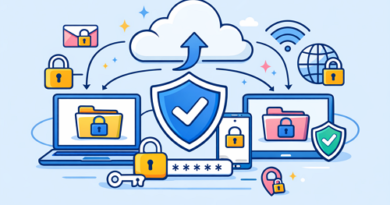
- Password-protect sensitive files – Add encryption before uploading confidential documents.
Comparison of Sharing Methods
| Method | File Size Support | Security | Best For |
|---|---|---|---|
| Email Attachments | Limited | Basic | Small documents |
| Cloud Storage | Large | High | Team collaboration |
| File Hosting | Very large | High | Fast public or private sharing |
| Split ZIP Archives | Medium to large | Medium | Legacy systems |
Tips for Faster and Safer Transfers
A few simple habits improve the entire sharing process:
- Compress files before uploading.
- Use descriptive file names.
- Keep download links organized.
- Verify uploaded files before sharing.
- Remove outdated archives to save storage space.
Large ZIP files no longer need to slow down your workflow. Modern file hosting platforms provide faster uploads, reliable downloads, and easier collaboration without worrying about email attachment limits.
Teams handling shared documents every day can also improve productivity by following remote file sharing best practices, making collaboration faster and more organized across different locations.