How to Archive Old Files Without Losing Access
Managing digital files becomes more challenging as your collection grows. Services like Keep2Share make storing large files convenient, but archiving older files properly helps keep your storage organized while ensuring important documents remain accessible whenever you need them.
-> Go to k2s.cc and create Premium Account
Why File Archiving Matters
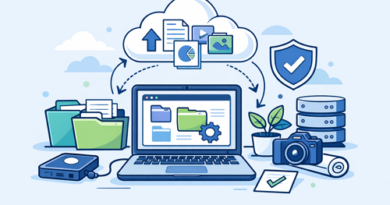
Deleting files simply to free up space can lead to permanent data loss. Archiving keeps rarely used files safe without cluttering your active folders. A well-planned archive also improves search speed, simplifies collaboration, and reduces the risk of accidentally removing valuable data.
Some of the biggest advantages include:
- Better organization of active projects
- Faster access to current files
- Reduced storage clutter
- Safer long-term document preservation
- Easier disaster recovery
Best Practices for Long-Term File Archiving
Follow these simple habits to build an archive that stays useful for years.
- Create archive folders by year, project, or client.
- Compress large collections into ZIP or RAR archives to save space.
- Rename files using clear and consistent naming conventions.
- Keep at least one additional backup on another cloud platform or external drive.
- Review archived files occasionally to confirm links and backups remain available.
Archive Methods Compared
| Method | Accessibility | Best For |
|---|---|---|
| Cloud Storage | Excellent | Everyday archived files |
| File Hosting | Easy sharing | Large media collections |
| External Drive | Offline access | Personal backups |
| NAS Storage | High capacity | Home or business archives |
Keep Archived Files Easy to Find
An archive should make retrieval simple, not difficult. Using descriptive folder names, searchable file names, and multiple backups ensures important files remain available without filling your primary workspace. Spending a few extra minutes organizing files today can save hours of searching later.
Large archived folders are often easier to distribute after compression. Our guide on sending large ZIP files efficiently explains practical ways to share compressed archives without running into email attachment limits.