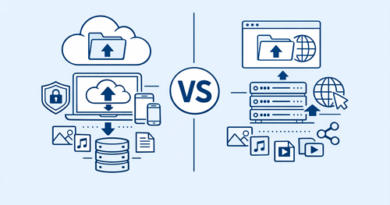
How to Increase Upload Stability for Large Files
Uploading large files can quickly become frustrating when transfers suddenly fail at 90% or freeze halfway through. Platforms like Keep2Share make file sharing easier, but stable uploads still depend heavily on your setup, internet quality, and file management habits.
-> Go to k2s.cc and create Premium Account
Why Large File Uploads Become Unstable
Several factors can interrupt uploads and create failed transfers:
- Weak or inconsistent internet connections
- Wi-Fi interference and signal drops
- Browser memory limitations
- Background apps consuming bandwidth
- Oversized files without compression
Large video projects, backups, and archive files place extra pressure on both devices and networks, especially during long upload sessions.
Best Ways to Improve Upload Stability
Use a Wired Connection
Ethernet connections provide more consistent speeds than Wi-Fi. Fewer interruptions reduce the chance of corrupted or incomplete uploads.
Compress Files Before Uploading
ZIP or RAR archives reduce file sizes and make transfers more manageable. Smaller uploads usually complete faster and with fewer errors.
Pause Background Activity
Streaming, gaming, and automatic cloud syncing consume upload bandwidth. Closing unnecessary apps helps stabilize transfer speeds.
Choose Reliable Browsers or Upload Clients
Modern browsers like Chrome or Firefox generally handle large uploads better. Dedicated upload managers can also improve stability for heavy users.
Upload Stability Comparison
| Method | Stability Level | Best Use |
|---|---|---|
| Public Wi-Fi | Low | Small files only |
| Home Wi-Fi | Medium | Standard uploads |
| Wired Ethernet | High | Large file transfers |
| Upload Manager Tools | Very High | Frequent large uploads |
Keep Uploads Smooth and Reliable
Consistent upload performance comes from preparation. Stable internet, organized files, and smart upload habits dramatically reduce failed transfers and wasted time.
Teams handling large shared projects often improve efficiency further by using remote file sharing solutions designed for collaboration and secure access.