Best Practices for Sharing Confidential Files Online
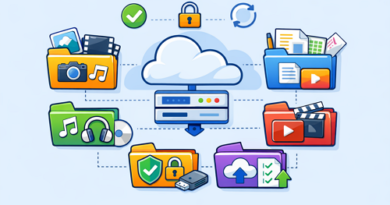
Sharing sensitive files online has become part of everyday work. Platforms like Keep2Share make transferring large files convenient, but protecting private information should always be a top priority. A few smart habits can greatly reduce the risk of leaks, unauthorized downloads, or accidental exposure.
-> Go to k2s.cc and create Premium Account
Why Secure File Sharing Matters
Documents containing financial records, contracts, personal information, or business data deserve extra protection. Poor security practices can lead to:
- Data breaches
- Identity theft
- Unauthorized file access
- Loss of confidential information
- Compliance and privacy issues
Taking preventive measures helps maintain trust and keeps important files safe.
Essential Tips for Secure File Sharing
Use Strong Passwords
Protect shared files with unique passwords. Avoid simple combinations and consider using a password manager for better security.
Encrypt Sensitive Files
Encryption adds another layer of protection. Even if someone gains access to the file, the contents remain unreadable without the proper key.
Limit Access to Trusted Recipients
Only send download links to people who genuinely need access. Avoid posting confidential links publicly.
Keep Software Updated
Updated browsers, operating systems, and antivirus software help prevent vulnerabilities that attackers may exploit.
Security Measures Comparison
| Security Method | Protection Level | Recommended For |
|---|---|---|
| Password Protection | High | Personal documents |
| File Encryption | Very High | Financial and legal files |
| Private Links | High | Team collaboration |
| Two-Factor Authentication | Very High | Business accounts |
Build Better File Security Habits
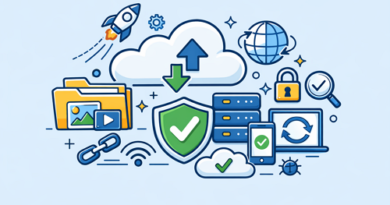
Good security is built through consistent habits. Combining password protection, encryption, and controlled access creates a much safer environment for sharing important files online.
Strong file security also includes managing downloads carefully. Understanding download link protection methods can help prevent unauthorized access and keep shared files under your control.