How to Protect Sensitive Documents Before Uploading Them
Uploading confidential files is convenient, but protecting them should always come first. Services like Keep2Share make sharing large files simple, yet security depends on the steps you take before clicking the upload button. A few preventive measures can greatly reduce the risk of unauthorized access and accidental data exposure.
-> Go to k2s.cc and create Premium Account
Why Document Protection Matters
Sensitive documents often contain personal details, financial information, business records, or confidential agreements. If these files fall into the wrong hands, the consequences can range from identity theft to financial loss.
Before uploading any important document, remember to:
- Encrypt confidential files.
- Use strong, unique passwords.
- Remove unnecessary personal information.
- Upload only through trusted platforms.
- Keep backup copies in a secure location.
Best Practices Before Uploading Files
Encrypt Your Documents
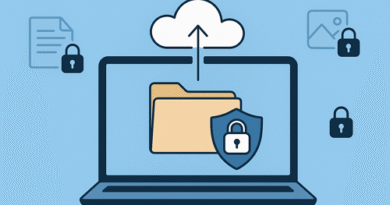
Encryption converts readable files into protected data that only authorized users can access. Tools such as password-protected ZIP archives or encrypted PDF files provide an extra layer of security.
Review File Contents
Double-check documents for hidden metadata, personal information, or outdated versions before sharing them. Removing unnecessary data reduces privacy risks.
Choose Strong Passwords
Protect encrypted files with long passwords that combine uppercase letters, lowercase letters, numbers, and symbols. Share passwords separately instead of including them with the download link.
Quick Security Checklist
| Security Measure | Benefit | Recommended |
|---|---|---|
| File Encryption | Protects file contents | ✅ Yes |
| Strong Password | Prevents unauthorized access | ✅ Yes |
| Secure File Hosting | Improves data protection | ✅ Yes |
| Backup Copy | Prevents accidental data loss | ✅ Yes |
Build Better Security Habits
Protecting sensitive documents takes only a few extra minutes but can prevent major problems later. Combining encryption, secure storage, careful file review, and trusted file hosting creates a safer workflow for personal and business files alike.
Understanding the differences between cloud backup and file hosting also helps you choose the right solution for storing, protecting, and sharing important documents securely.