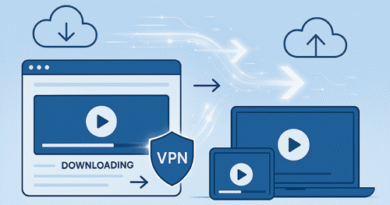
How to Avoid File Corruption During Upload and Download
File corruption can turn a perfectly good file into something unusable. When using file hosting platforms like Keep2Share, ensuring data integrity during upload and download is essential, especially for large files such as videos, archives, or software packages.
-> Go to k2s.cc and create Premium Account
Understanding the common causes of corruption helps prevent data loss and saves time.
Common Causes of File Corruption
Several factors can interrupt or damage files during transfer:
• Unstable internet connection
• Interrupted uploads or downloads
• Incomplete file transfers
• Faulty storage devices
• Malware or system errors
Even a small interruption can lead to incomplete or broken files.
Best Practices to Prevent File Corruption
Applying a few simple strategies can significantly reduce the risk of corrupted files:
• Use a stable and fast internet connection
• Avoid pausing or canceling transfers midway
• Always wait for full upload or download completion
• Use trusted file hosting platforms
• Scan files for malware before and after transfer
Using a reliable browser or download manager also improves stability.
Tools and Methods for File Integrity
To ensure files remain intact, many users rely on verification techniques.
| Method | Purpose | Benefit |
|---|---|---|
| Checksum (MD5/SHA) | Verifies file integrity | Detects corruption instantly |
| Archive Formats (ZIP/RAR) | Compresses files | Protects file structure |
| Download Managers | Stabilizes downloads | Reduces interruptions |
Checksums are especially useful when transferring important or sensitive files.
Additional Tips for Large Files
Large files are more prone to corruption due to longer transfer times.
• Split large files into smaller parts
• Avoid multitasking heavy downloads
• Keep your device storage healthy and updated
• Use wired connections for better stability
These small adjustments can make a noticeable difference.
Final Thoughts
Avoiding file corruption comes down to stability, verification, and proper handling during transfers. By using the right tools and following best practices, you can ensure your files remain intact from upload to download.
Sharing files securely is just as important as maintaining their integrity. A helpful guide explains private video sharing methods online, which can improve both security and reliability when distributing your content.