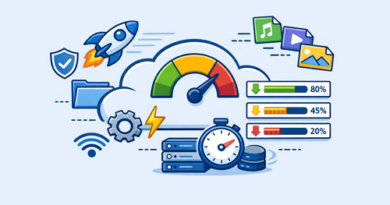
Best File Formats for Faster Upload and Download Speeds
Choosing the right file format plays a major role in how quickly files upload and download on platforms like Keep2Share and other file hosting services. Large, unoptimized files take longer to transfer, while efficient formats reduce size without sacrificing too much quality.
-> Go to k2s.cc and create Premium Account
Understanding which formats work best can significantly improve transfer speed and overall performance.
Why File Format Matters
File formats determine how data is stored and compressed. Some formats are optimized for smaller file sizes, making them faster to upload and download.
Key factors that affect speed include
• File size after compression
• Encoding efficiency
• Compatibility with platforms and devices
• Ability to retain quality at lower sizes
Using the right format can reduce waiting time and bandwidth usage.
Best File Formats for Speed
Here are some of the most efficient file formats for faster transfers
| File Type | Recommended Format | Reason |
|---|---|---|
| Video | MP4 (H.264) | High compression with good quality |
| Audio | MP3 | Small size and widely supported |
| Images | JPG / WebP | Compressed with minimal quality loss |
| Documents | Optimized and portable | |
| Archives | ZIP / RAR | Compress multiple files efficiently |
These formats balance quality and file size, making them ideal for file sharing.
Tips to Optimize File Transfers
Improving speed is not just about format selection. A few extra steps can make a noticeable difference
• Compress files before uploading
• Convert large videos to MP4 using efficient codecs
• Resize images to appropriate resolutions
• Avoid uncompressed formats like BMP or WAV when possible
• Split extremely large files into smaller parts
Small optimizations can lead to faster uploads and smoother downloads.
Final Thoughts
Selecting the best file formats for faster upload and download speeds is essential for efficient file sharing. Optimized formats reduce file size, improve transfer times, and make content easier to manage across different platforms.
Managing data usage is just as important as speed. Learning how to handle bandwidth limits on file hosting services can help you avoid slowdowns and make your downloads more consistent.