How to Transfer Files Between Home and Office Securely
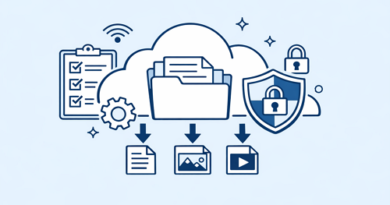
Moving work files between home and the office is convenient, but security should never be an afterthought. Services such as Keep2Share can simplify large-file transfers, yet the safest workflow also depends on secure accounts, trusted devices, and careful sharing practices. Modern security guidance recommends protecting data in transit, using multi-factor authentication, and limiting access to authorized users.
-> Go to k2s.cc and create Premium Account
Choose a Secure Transfer Method
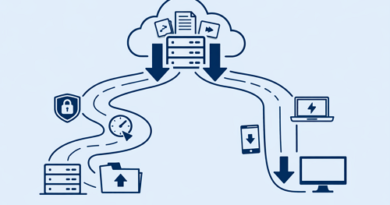
Avoid sending sensitive work files through personal email or random file-sharing websites. Use your company-approved cloud storage, VPN, or a reputable file-hosting service that provides appropriate security controls.
For larger transfers, consider these options:
- Business cloud storage: Useful for recurring work and team collaboration.
- Secure file hosting: Practical for sending large files through controlled download links.
- VPN access: Helpful when connecting securely to office resources remotely.
- Encrypted archives: Add another layer of protection to particularly sensitive files.
Protect Files Before Sharing
Security does not stop after uploading a document. Use strong, unique passwords and enable MFA on accounts that support it. CISA and Microsoft both recommend MFA as an important protection against account takeover.
Before sharing, check the recipient and permissions carefully. Avoid public links for confidential documents and use expiration controls or restricted access when available.
| Practice | Security Benefit |
|---|---|
| MFA | Protects accounts from stolen passwords |
| Encryption | Helps protect data during transfer |
| Restricted links | Limits unauthorized access |
| Updated devices | Reduces exposure to known vulnerabilities |
| Approved services | Keeps business data within controlled systems |
Make Home-to-Office Transfers Safer
Keep operating systems, browsers, and security software updated, and avoid transferring company files through public Wi-Fi or unmanaged personal devices when company policy prohibits it.
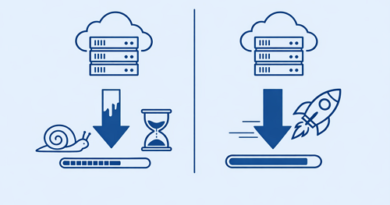
A secure transfer process should be simple enough to follow every time. For smoother large-file workflows, understanding upload bottlenecks and practical fixes can also help you improve transfer reliability without sacrificing security.
-> Go to k2s.cc and create Premium Account