Keep2Share Tips for Faster Browser Downloads
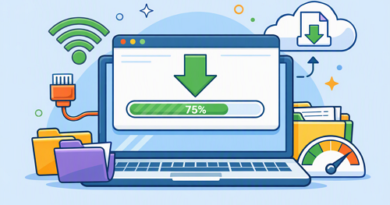
Downloading a large file through a browser can be frustrating when the progress bar barely moves. With Keep2Share, download performance depends on more than the file host itself. Your browser, connection, background activity, and device can all affect how quickly a file reaches your computer.
-> Go to k2s.cc and create Premium Account
Check Your Browser First
An outdated or overloaded browser can create unnecessary bottlenecks. Start with these simple checks:
- Update your browser to the latest available version.
- Close unused tabs and applications consuming system resources.
- Temporarily disable unnecessary browser extensions.
- Restart the browser before beginning a large download.
Google recommends updating Chrome, closing unused tabs, and disabling unwanted extensions when improving browser performance.
Improve Your Connection
A stable connection is often more important than having a high advertised speed. For larger Keep2Share downloads, try:
- Use Ethernet instead of Wi-Fi when possible.
- Pause streaming, gaming, or other large transfers.
- Restart your router if the connection becomes unstable.
- Test another network to determine if your ISP is causing the slowdown.
If the same file is slow across different browsers and websites, the problem is more likely related to your connection than the browser.
Keep Downloads Running Smoothly
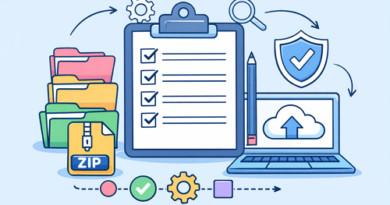
Avoid starting several demanding downloads at once if your connection has limited bandwidth. Also check that your computer has enough free storage and that security software is not interfering with the download. Browser download errors can also occur because of unstable connections, blocked files, insufficient storage, or permission issues.
| Tip | Potential Benefit |
|---|---|
| Update browser | Better performance |
| Use wired internet | More stable connection |
| Close background apps | More available bandwidth |
| Disable unnecessary extensions | Fewer browser conflicts |
| Free disk space | Fewer download errors |
For users who frequently transfer large files, improving browser download speed can make everyday sharing much easier. You can also learn how to send high-quality images without compression when file quality matters as much as transfer speed.
-> Go to k2s.cc and create Premium Account