How to Send High-Quality Images Without Compression
Sending a photo only to discover that it looks softer, blurrier, or less detailed on the other end can be frustrating. Platforms such as Keep2Share can be useful for sharing large original files, but the transfer method and image format still matter if preserving quality is your priority.
-> Go to k2s.cc and create Premium Account
Why Images Lose Quality When Shared
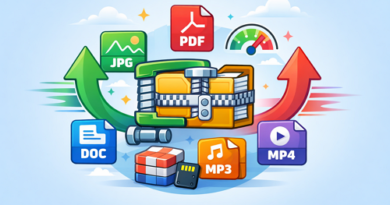
Many services automatically resize or compress images to reduce bandwidth and storage requirements. JPEG is already a lossy format, meaning some image data is discarded during compression. Repeated editing and saving can make those quality losses more noticeable.
For important photos, designs, or print-ready artwork, keeping the original file is usually the safer approach.
Best Ways to Send Images Without Quality Loss
- Use lossless formats: PNG and TIFF use lossless compression, preserving image data. TIFF is particularly useful for professional editing and high-resolution work.
- Send the original file: Avoid messaging apps or platforms that automatically resize uploaded images.
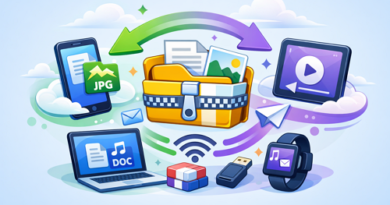
- Upload to file hosting: Put the original image in a file-hosting service and share the download link instead of sending a processed preview.
- Use ZIP archives: If you need to send multiple images, place them in a ZIP archive to keep the original files together.
- Keep a master copy: Always retain the untouched original before creating versions for websites, social media, or email.
Which Format Should You Use?
| Format | Compression | Best Use |
|---|---|---|
| TIFF | Lossless | Professional photos and print |
| PNG | Lossless | Graphics, logos, screenshots |
| JPEG | Lossy | Everyday photo sharing |
| RAW | Original data | Photography editing |
Lossless compression can reduce file size without removing image information, although the resulting files may still be considerably larger than JPEGs.
Keep Image Quality Intact
For important images, sending the original file is more reliable than relying on an app’s built-in image sharing. If you regularly work with large documents too, easy large file sharing methods can help you choose a more suitable transfer workflow.
-> Go to k2s.cc and create Premium Account