How to Upload Large 4K Videos Without Hassle: Practical Tips for Faster Transfers
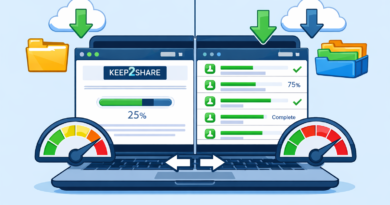
Uploading large 4K videos can quickly become frustrating when transfers fail or take hours to complete. Platforms like Keep2Share make sharing large files much easier, but combining the right upload strategy with a reliable file hosting service delivers the best results. A few simple adjustments can save time and reduce failed uploads.
-> Go to k2s.cc and create Premium Account
Why 4K Videos Are More Challenging to Upload
High-resolution videos contain significantly more data than standard HD files. Longer recordings, higher bitrates, and advanced codecs increase file sizes, making uploads more demanding.
Common challenges include:
- Slow internet upload speeds
- Connection interruptions
- Browser timeouts
- Limited storage quotas
- Large file sizes exceeding platform limits
Tips for Faster 4K Video Uploads
Following a few best practices helps improve reliability and upload performance.
- Compress videos using H.265 (HEVC) when compatible without sacrificing noticeable quality.
- Connect through Ethernet instead of Wi-Fi for a more stable upload.
- Close bandwidth-heavy applications such as streaming services or cloud backups.
- Split extremely large projects into logical parts when necessary.
- Use a file hosting platform that supports resumable uploads and large file sizes.
Quick Comparison
| Method | Benefit | Best For |
|---|---|---|
| H.265 Compression | Smaller file size | Long 4K videos |
| Wired Connection | Stable upload speed | Professional creators |
| Background App Cleanup | Frees upload bandwidth | Home users |
| Reliable File Hosting | Secure sharing and storage | Large media libraries |
Upload More Efficiently
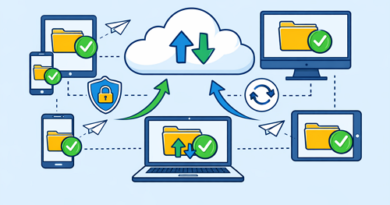
A smooth workflow begins before the upload starts. Proper video compression, organized folders, stable internet, and dependable hosting reduce delays while keeping your files accessible whenever you need them.
Sharing large media files also requires attention to security. Following safe software sharing practices helps protect both your files and the people downloading them, especially when distributing installers or other important downloads.